5.3. Install PostgreSQL on Windows

发布时间 :2025-10-25 12:30:46 UTC      

EnterpriseDB is used here to download and install, and EnterpriseDB is the only vendor in the world that offers enterprise-class products and services based on PostgreSQL.

Download address: https://www.enterprisedb.com/downloads/postgres-postgresql-downloads .
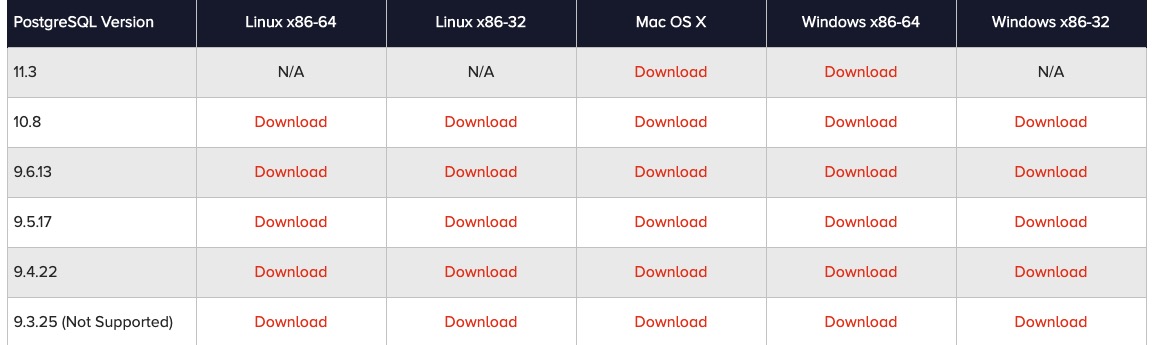
Image0

Double-click to download the installation package to start the installation
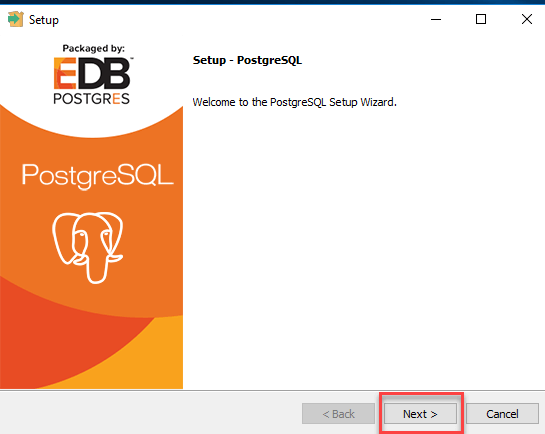
Image1

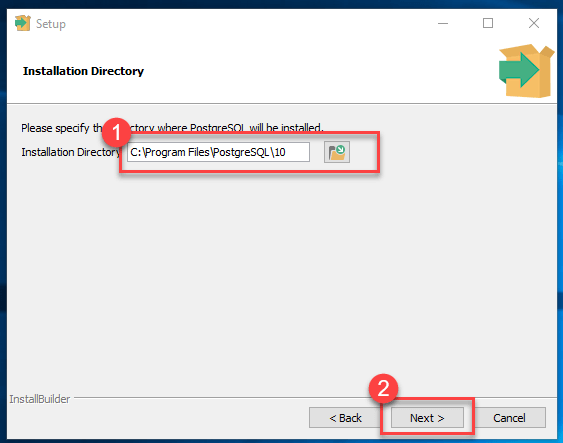
You can modify the installation path

Image2

Choose to install components, and check all those you don’t know:
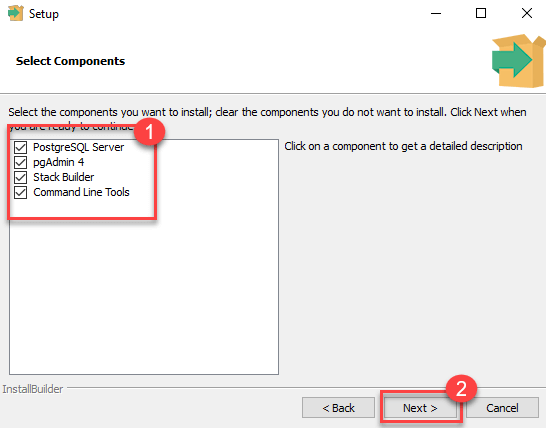
Image3

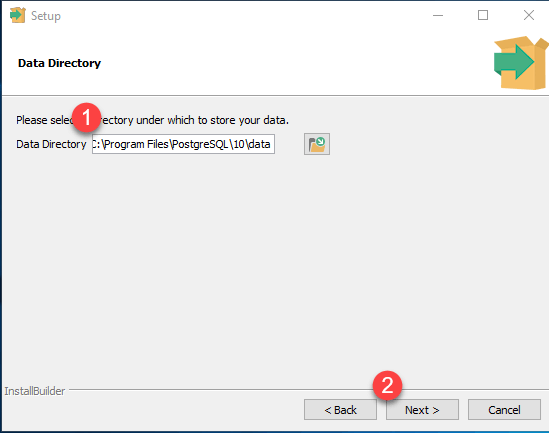
Set the database path

Image4

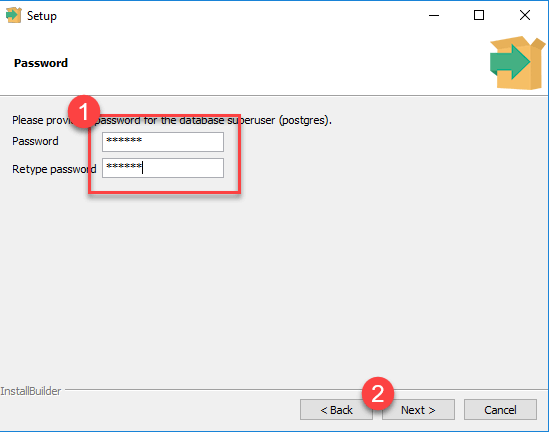
Set the password for the superuser

Image5

To set the port number, you can just use the default.
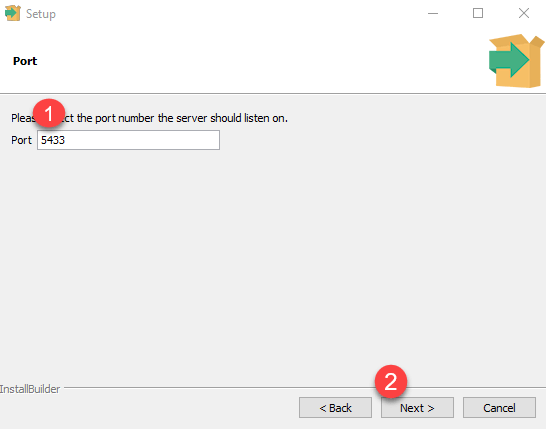
Image6

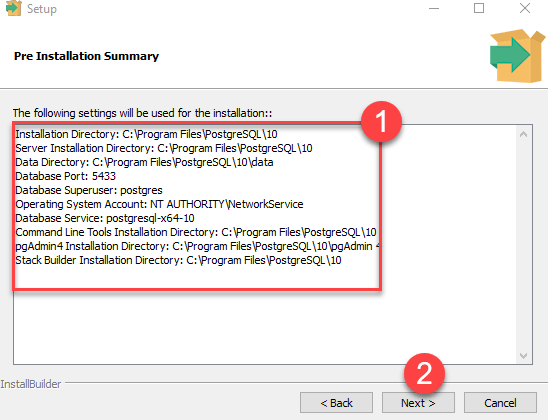
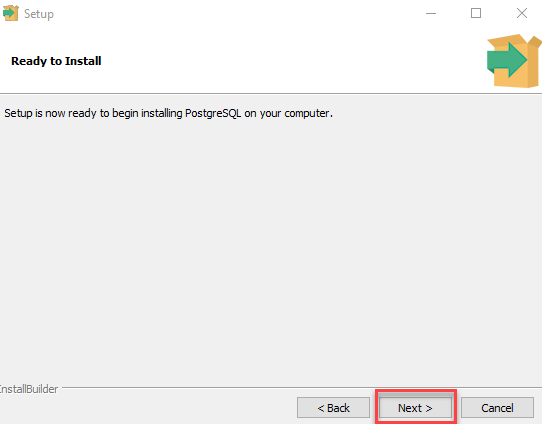
Direct point Next

Image7

Point Next

Image8

Remove the check box and go straight to Finish.
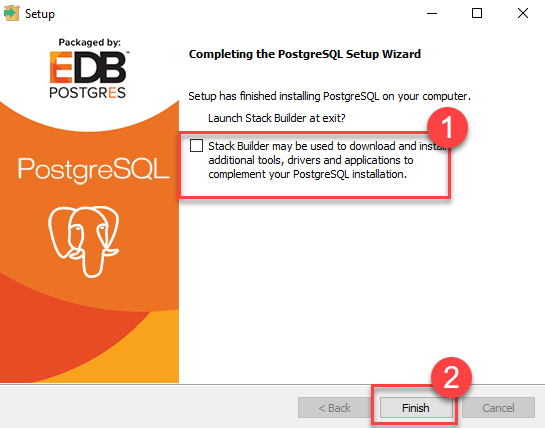
Image9

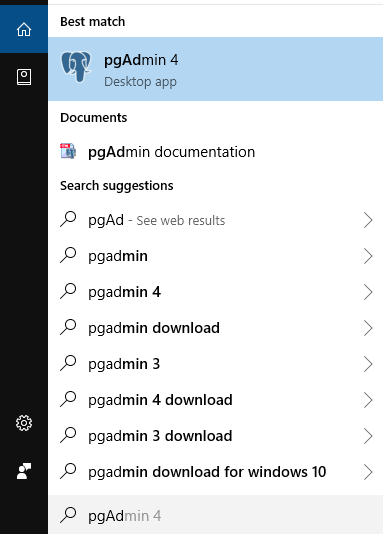
Open pgAdmin 4

Image10

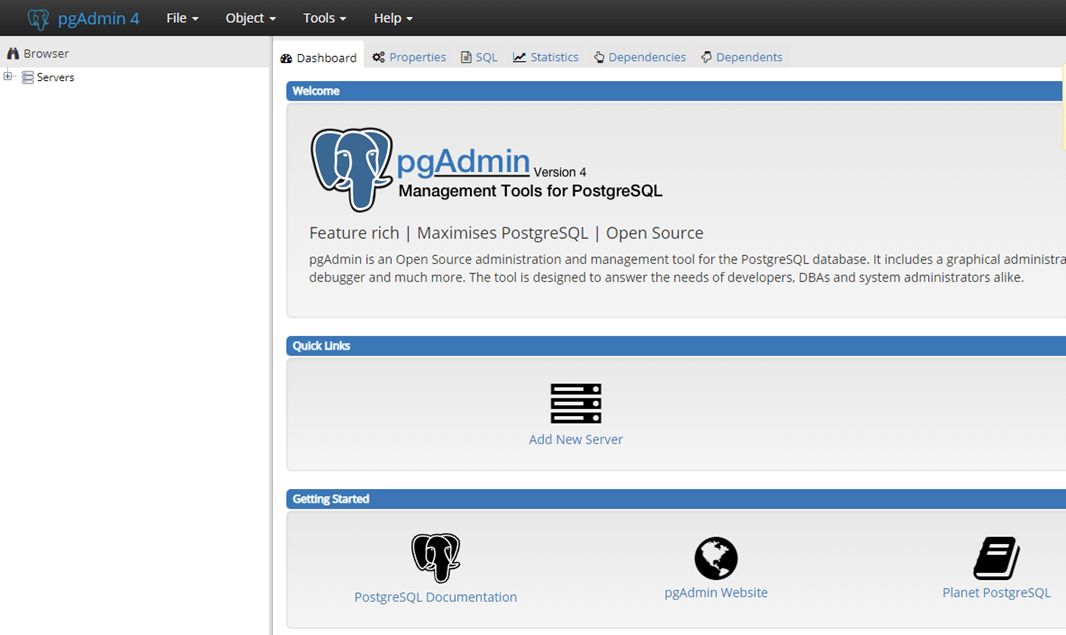
The pgAdmin home page is as follows

Image11

Click Servers > Postgre SQL 10 on the left
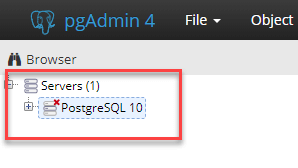
Image12

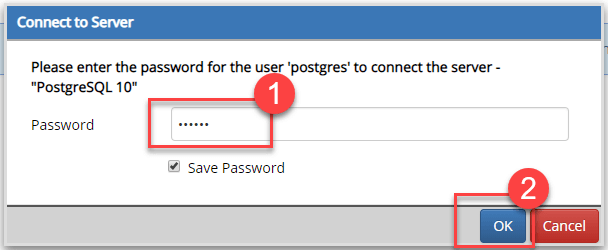
Enter the password and click OK.

Image13

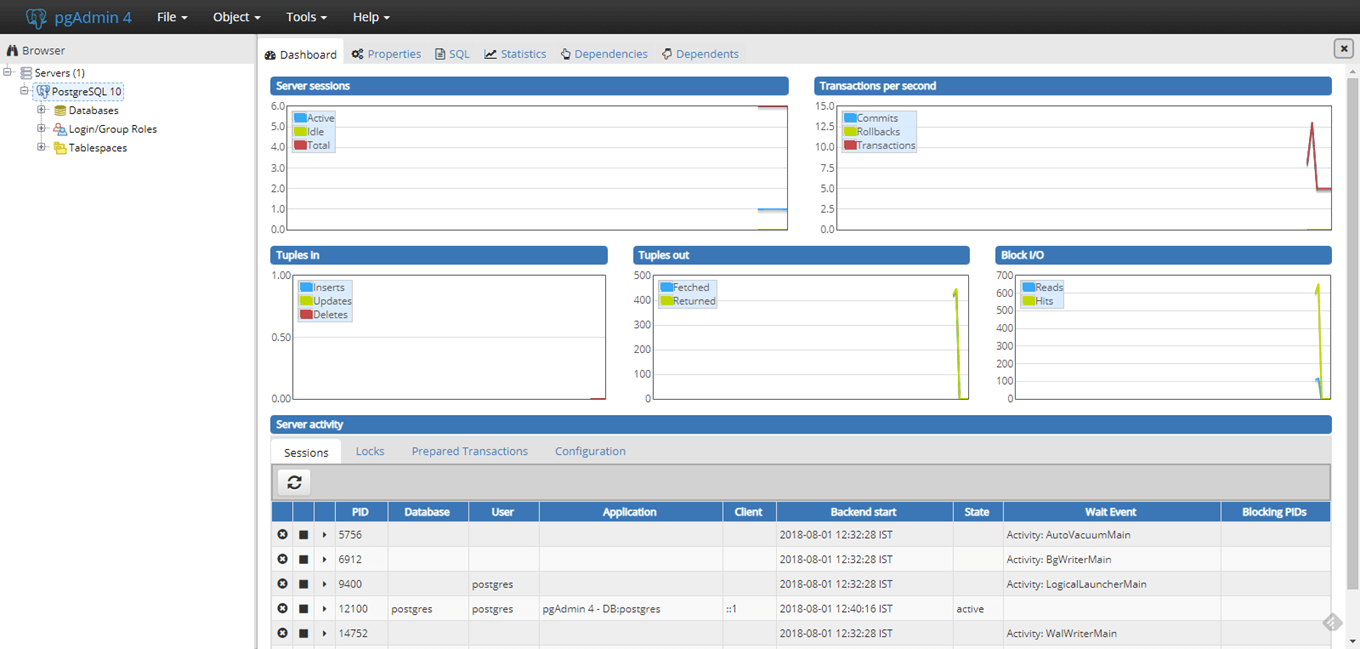
The control panel is as follows

Image14

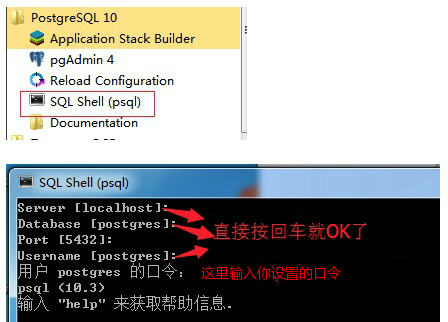
Open SQL Shell (psql)

Image15

Principles, Technologies, and Methods of Geographic Information Systems  102

In recent years, Geographic Information Systems (GIS) have undergone rapid development in both theoretical and practical dimensions. GIS has been widely applied for modeling and decision-making support across various fields such as urban management, regional planning, and environmental remediation, establishing geographic information as a vital component of the information era. The introduction of the “Digital Earth” concept has further accelerated the advancement of GIS, which serves as its technical foundation. Concurrently, scholars have been dedicated to theoretical research in areas like spatial cognition, spatial data uncertainty, and the formalization of spatial relationships. This reflects the dual nature of GIS as both an applied technology and an academic discipline, with the two aspects forming a mutually reinforcing cycle of progress.