Using EnterpriseDB to download and install, EnterpriseDB is the only vendor in the world that offers PostgreSQL-based enterprise-class products and services.
Download address: https://www.enterprisedb.com/downloads/postgres-postgresql-downloads .
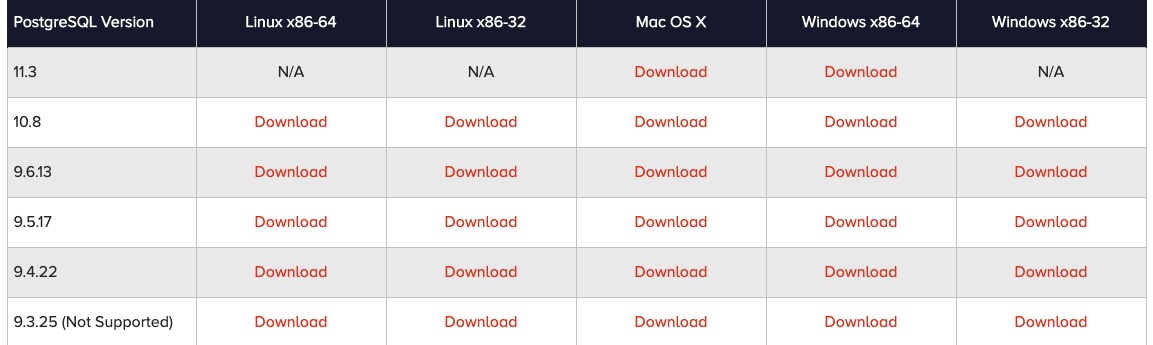
download
postgresql-****-osx.dmg
File, double-click the installation file:
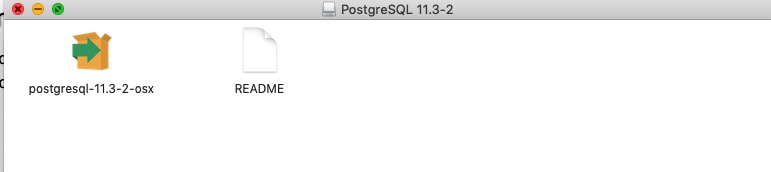
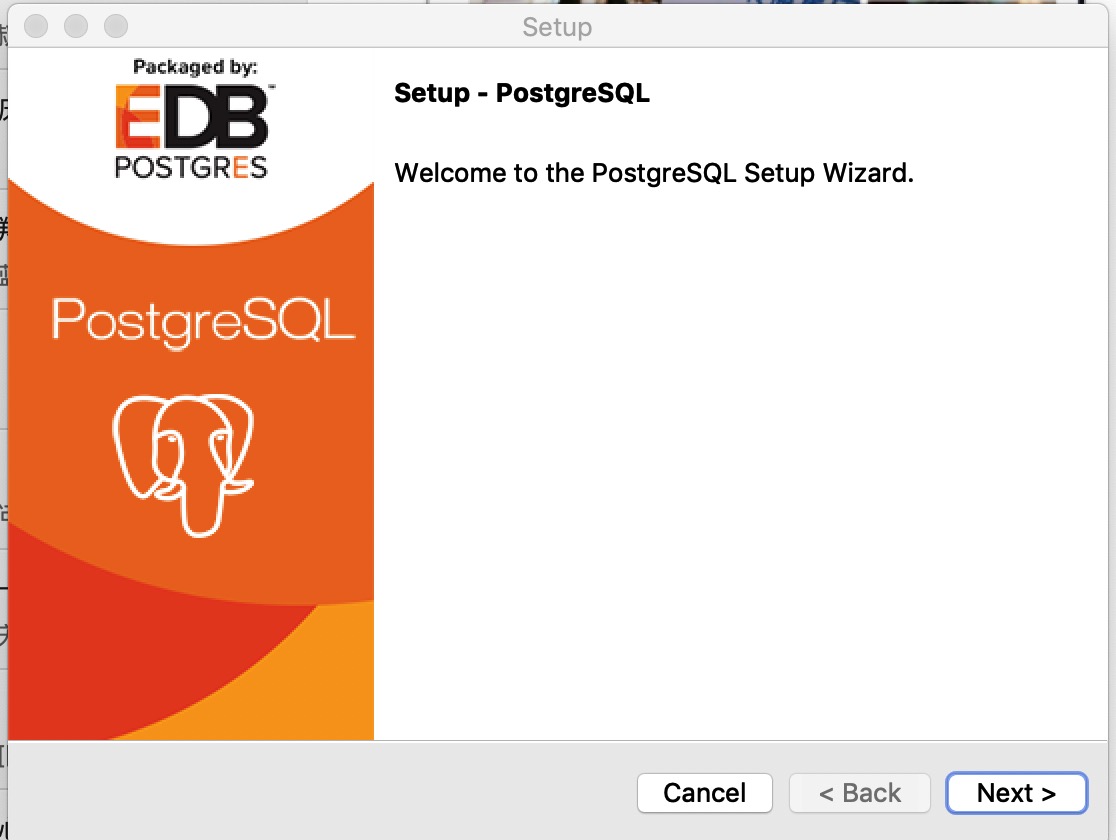
At this point, you will be asked to enter the administrator password, enter it, and then pop up the installation wizard:
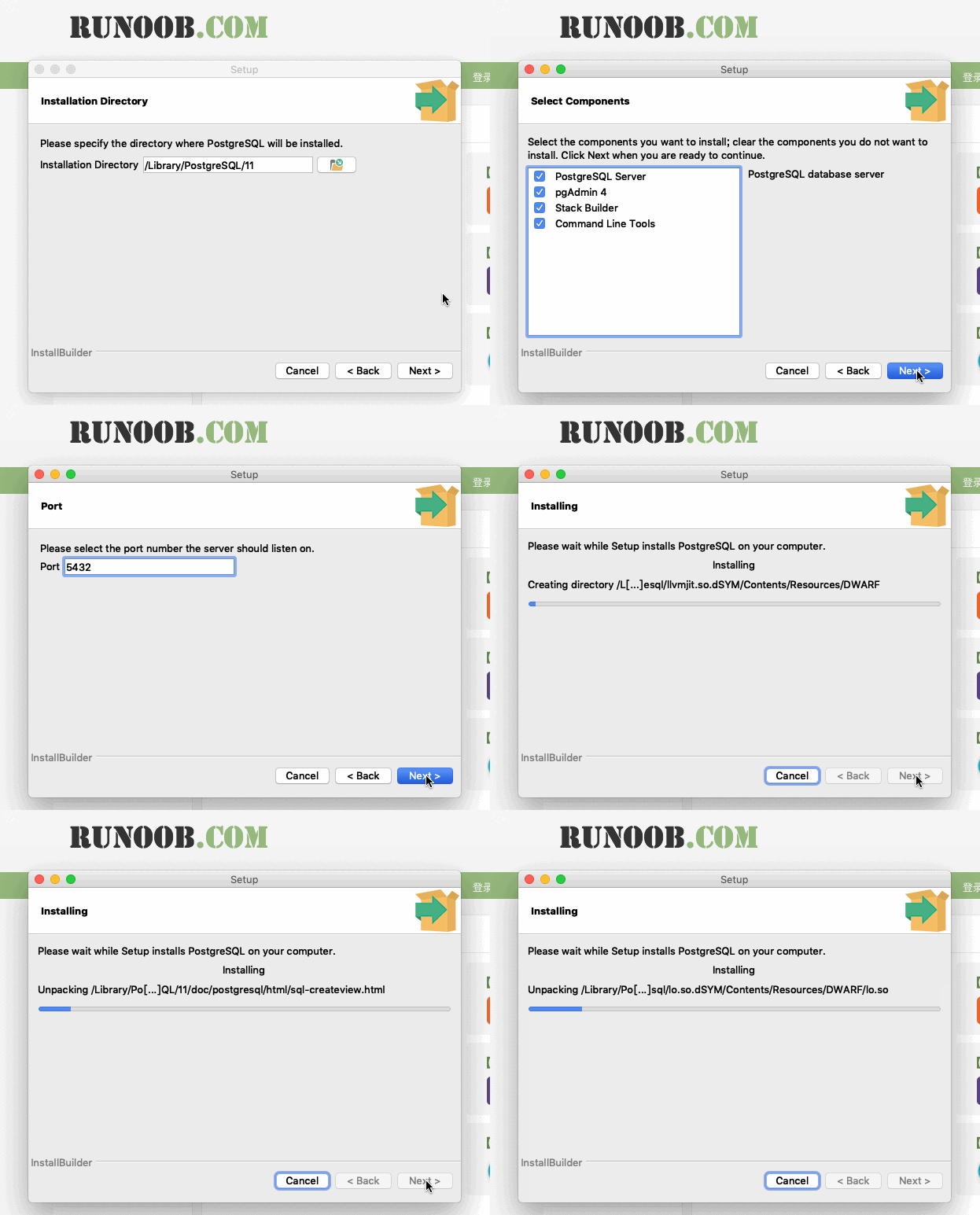
Next, there are some basic configurations, such as installation directory, extension installation, database directory, user password, port settings, etc. Generally, just use the default, directly point Next:
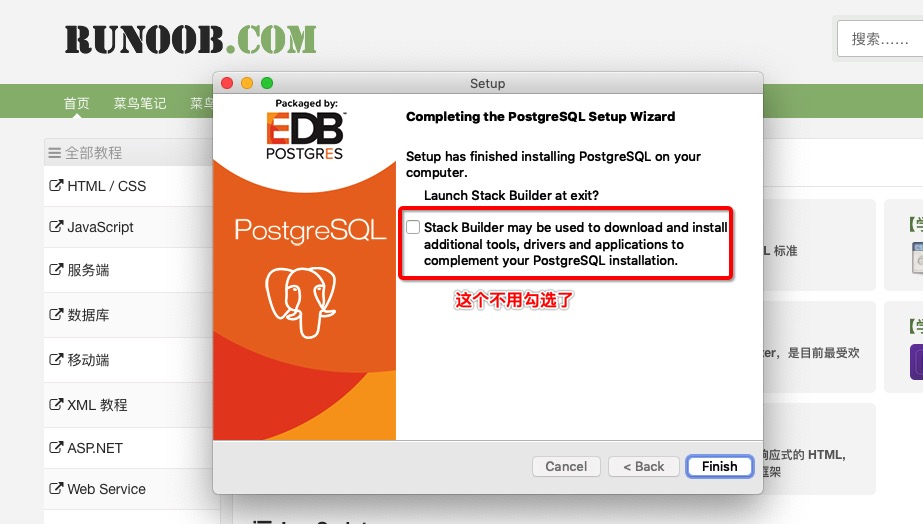
Finally, click Finish:
Execute the following script to start PostgreSQL.
You can enter the following options yourself, or use the default, enter by default, and the password is the password you just set during the installation process:
$ /Library/PostgreSQL/11/scripts/runpsql.sh ;exit
Server [localhost]:
Database [postgres]:
Port [5432]:
Username [postgres]:
Password for user postgres:
psql (11.3)
Type "help" for help.

postgres=#
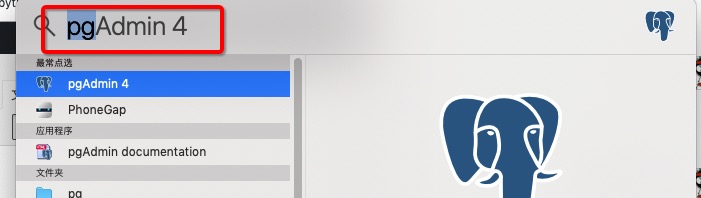
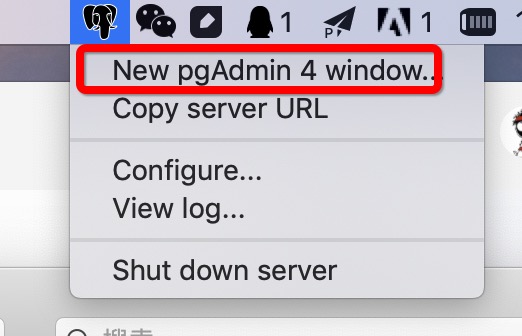
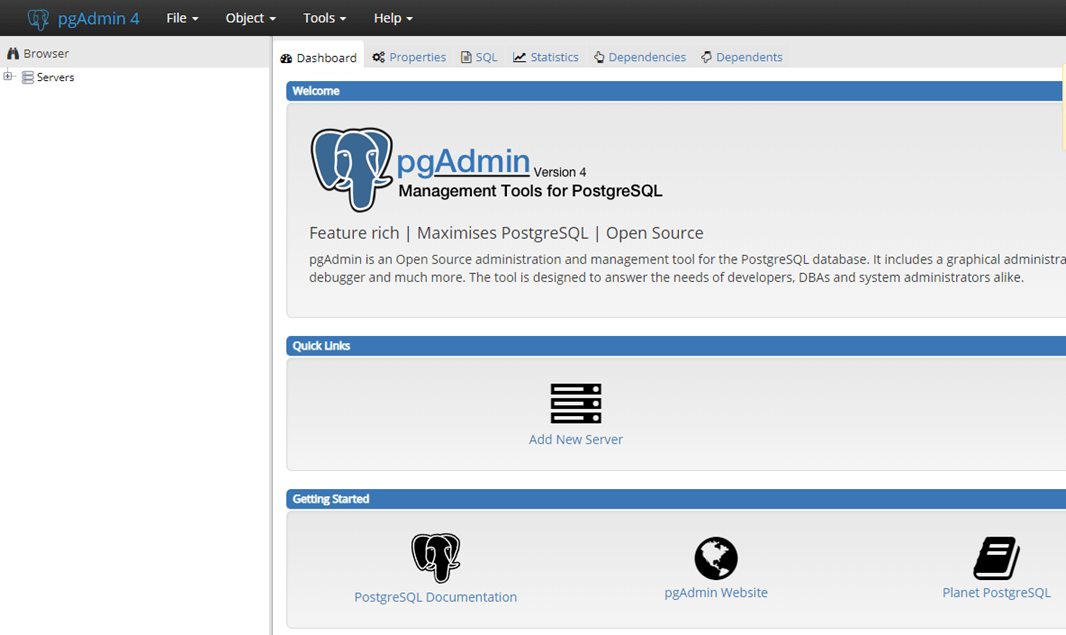
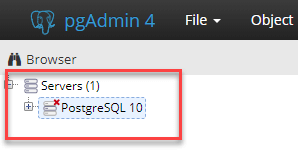
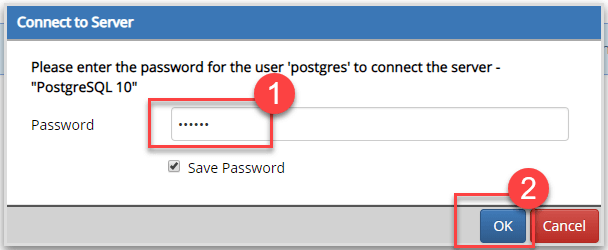
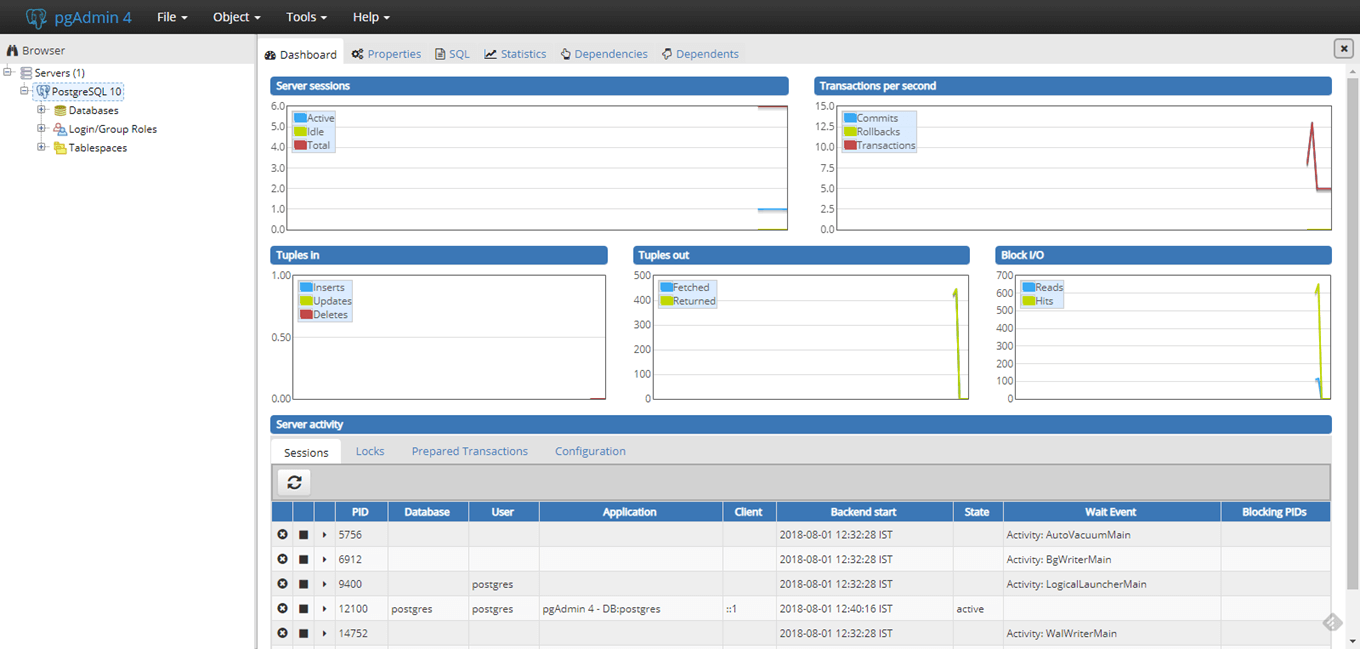
打开 pgAdmin 4: Or click the icon of the elephant avatar at the top right of the screen: The pgAdmin home page is as follows 点击左侧的 Servers > Postgre SQL 10 输入密码,点击 OK 即可 The control panel is as follows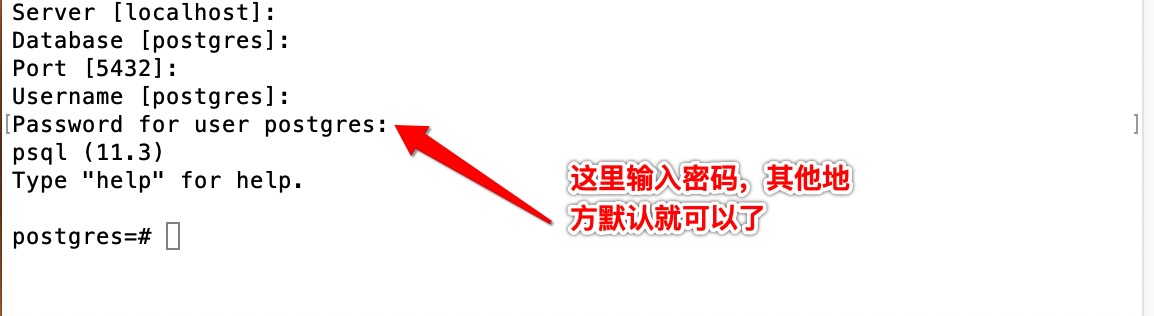
5.4.1. PgAdmin 4