Django provides web-based management tools.
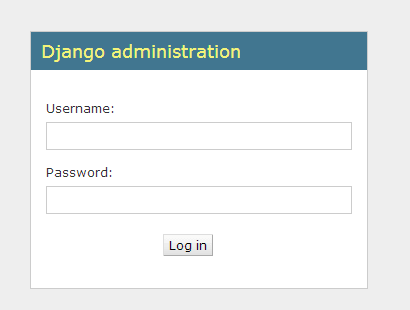
Django automatic management tools are part of django.contrib. You can see it in the INSTALLED_APPS in the project’s settings.py: django.contrib是一套庞大的功能集,它是Django基本代码的组成部分。 Usually we set it up automatically in urls.py when we build the project, we just need to remove the comments. The configuration items are as follows: When all this is configured, the Django management tool is ready to run. Start the development server, and then access http://127.0.0.1:8000/admin/ in the browser to get the following interface: You can take orders. python manage.py createsuperuser To create a superuser, as follows: 7.10.1. / HelloWorld/HelloWorld/settings.py file code: 
INSTALLED_APPS=('django.contrib.admin','django.contrib.auth','django.contrib.contenttypes','django.contrib.sessions','django.contrib.messages','django.contrib.staticfiles',)
Activate management tools 
7.10.2. / HelloWorld/HelloWorld/urls.py file code: 
#
urls.pyfromdjango.conf.urlsimporturlfromdjango.contribimportadminurlpatterns=[url(r'^admin/',admin.site.urls),]
Use management tools