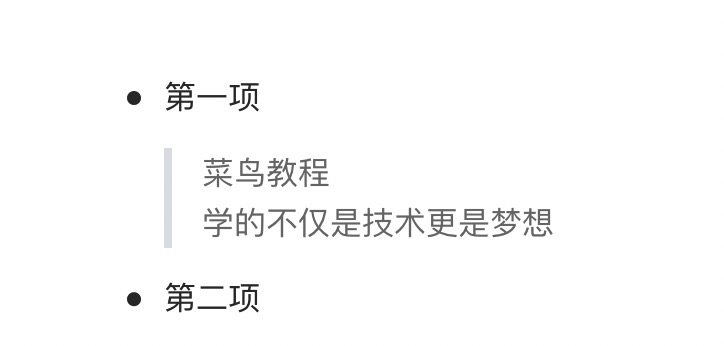
The Markdown block reference uses the > symbol at the beginning of the paragraph, followed by a 空格 Symbol:
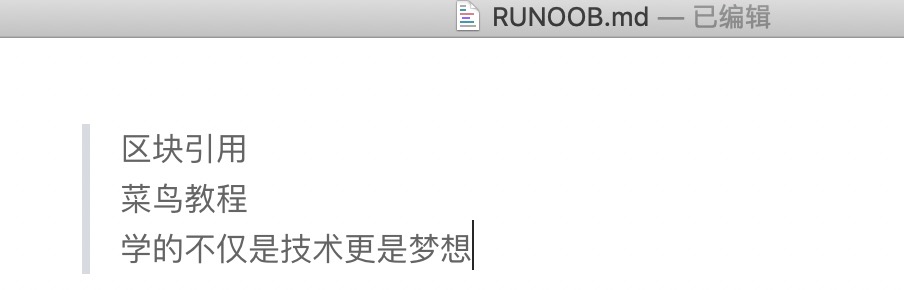
> 区块引用
> 菜鸟教程
> 学的不仅是技术更是梦想
The display results are as follows:
In addition, blocks can be nested, one > symbol is the outermost, two > symbols are first nested, and so on:
> 最外层
> > 第一层嵌套
> > > 第二层嵌套
The display results are as follows:
Examples of using lists in blocks are as follows: The display results are as follows: If you want to put blocks within the list item, you need to add four space indents before >. Examples of blocks used in the list are as follows: The display results are as follows:
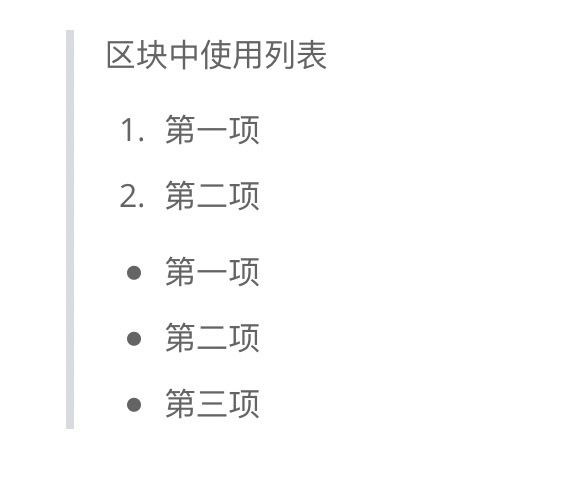
10.5.1. Use list in block 
> 区块中使用列表
> 1. 第一项
> 2. 第二项
> + 第一项
> + 第二项
> + 第三项
10.5.2. Use blocks in the list 
* 第一项
    > 菜鸟教程
    > 学的不仅是技术更是梦想
* 第二项