Open the PostgreSQL website https://www.postgresql.org/ and click on the menu bar Download You can see that there are installation packages for many platforms, including Linux, Windows, Mac OS, and so on.
For Linux, we can see that various platforms such as Ubuntu and Red Hat are supported. Click the specific platform link to view the installation method:
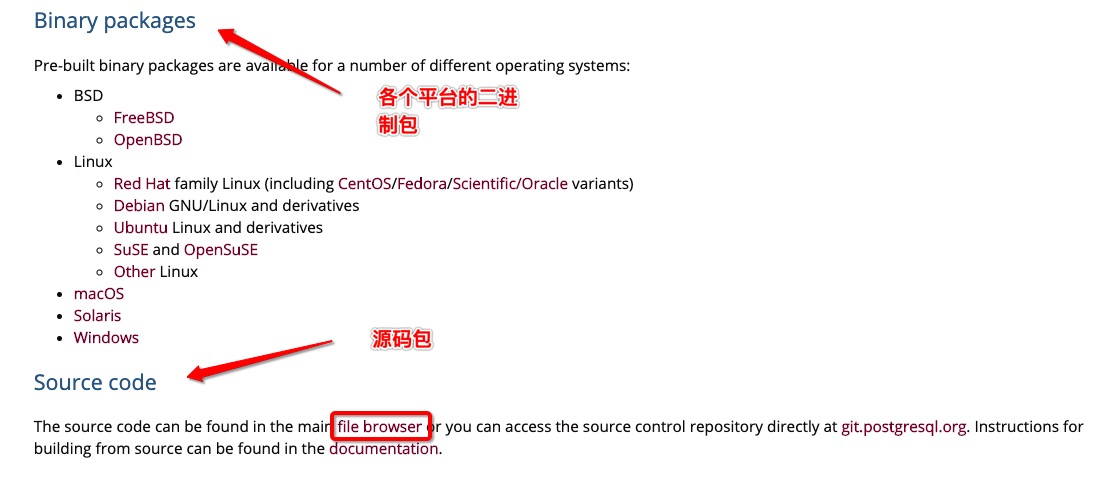
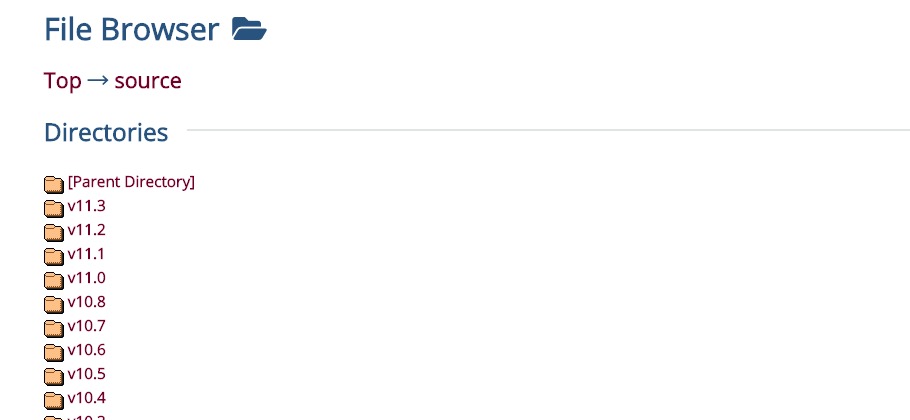
Click in the image above file browser We can also download the latest source code for PostgreSQL.
This chapter takes Ubuntu as an example. Ubuntu can install PostgreSQL using apt-get: After installation, the system creates a database superuser postgres with an empty password. At this point, use the following command to enter postgres and output the following information, indicating that the installation is successful: Exit the PostgreSQL prompt by entering the following command: The PostgreSQL installation is started by default, but the service can also be started manually in the following ways. 5.2.1. Ubuntu install PostgreSQL 
sudo apt-get update
sudo apt-get install postgresql postgresql-client
# sudo -i -u postgres
~$ psql
psql (9.5.17)
Type "help" for help.

postgres=#
\q
sudo /etc/init.d/postgresql start   # 开启
sudo /etc/init.d/postgresql stop    # 关闭
sudo /etc/init.d/postgresql restart # 重启