After you have installed and deployed and allowed the MongoDB service, you must understand the operation of MongoDB and check the performance of MongoDB. In this way, in the case of large traffic, we can deal with it well and ensure the normal operation of MongoDB.
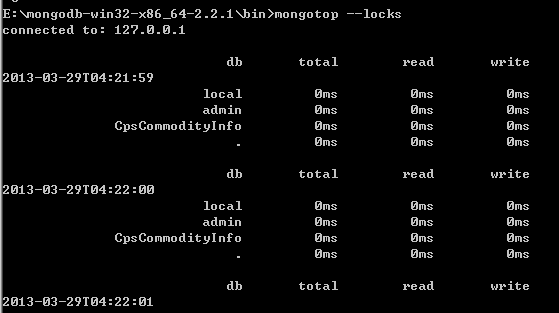
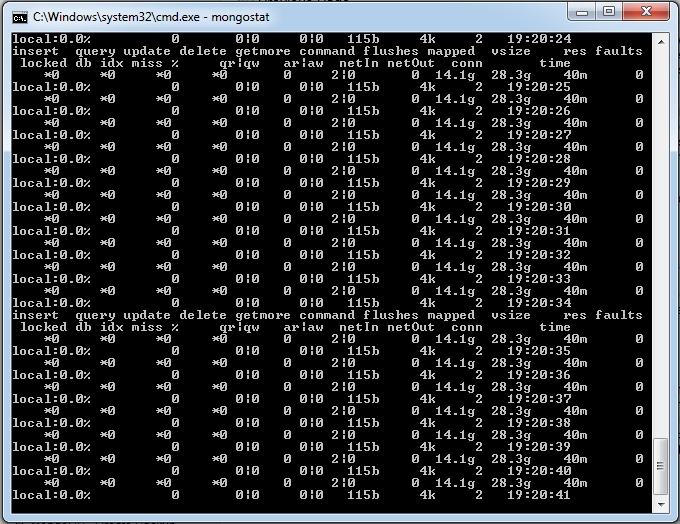
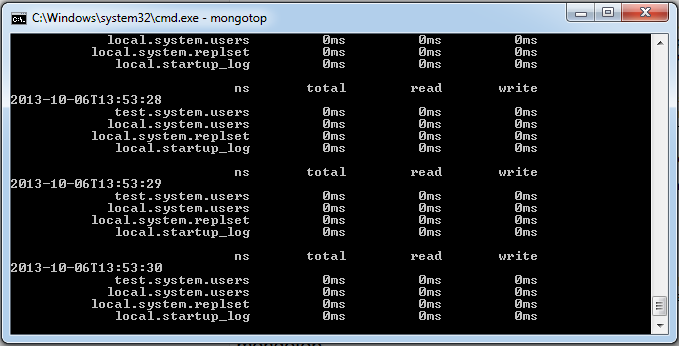
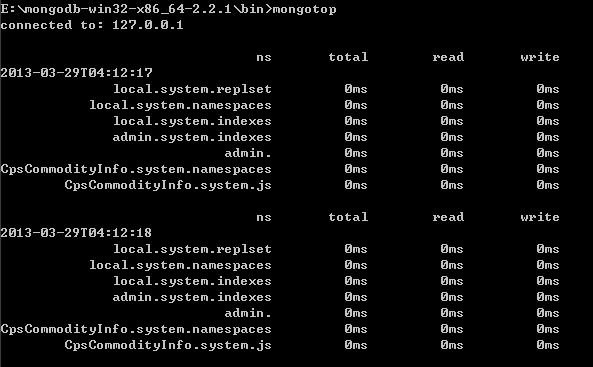
Mongostat and mongotop commands are provided in MongoDB to monitor the operation of MongoDB. Mongostat is a status detection tool that comes with mongodb and is used on the command line. It gets the current running state of mongodb at regular intervals and outputs it. If you find that the database suddenly slows down or has other problems, your first-hand operation should consider using mongostat to check the status of mongo. Start your Mongod service, go to the bin directory under the MongoDB directory where you installed it, and enter the mongostat command, as shown below: The output of the above command is as follows: Mongotop is also a built-in tool under mongodb, and mongotop provides a way to track an instance of MongoDB to see which time is spent reading and writing data. Mongotop provides statistics at the level of each collection. By default, mongotop returns every second of the value. Start your Mongod service, go to the bin directory under the MongoDB directory where you installed it, and enter the mongotop command, as shown below: The output of the above command execution is as follows: Instance with parameters The last 10 is <sleeptime> Parameter, can not be used, the length of time to wait, in seconds, between mongotop waiting for the call. The default mongotop that passes returns every second of the data. Report the use of locks for each database, using mongotop-locks, which produces the following output: Output result field description: ns: Contains the database namespace, which combines the database name with the collection. db: Contains the name of the database. It’s called. The database is for global locking, not for specific databases. total: The time mongod spends working on this namespace provides the total amount. read: A lot of time is provided, and this mongod spends on performing read operations in this namespace. write: It takes a lot of time for mongod to provide this namespace for writing. 3.26.1. Mongostat command 
D:\set up\mongodb\bin>mongostat
3.26.2. Mongotop command 
D:\set up\mongodb\bin>mongotop
E:\mongodb-win32-x86_64-2.2.1\bin>mongotop 10
E:\mongodb-win32-x86_64-2.2.1\bin>mongotop --locks